
When cropping a photo, especially a photo taken using a wide-angle lens, as soon as you move away from the center, the perspectives appear distorted.
This application, automatically fixes this problem.
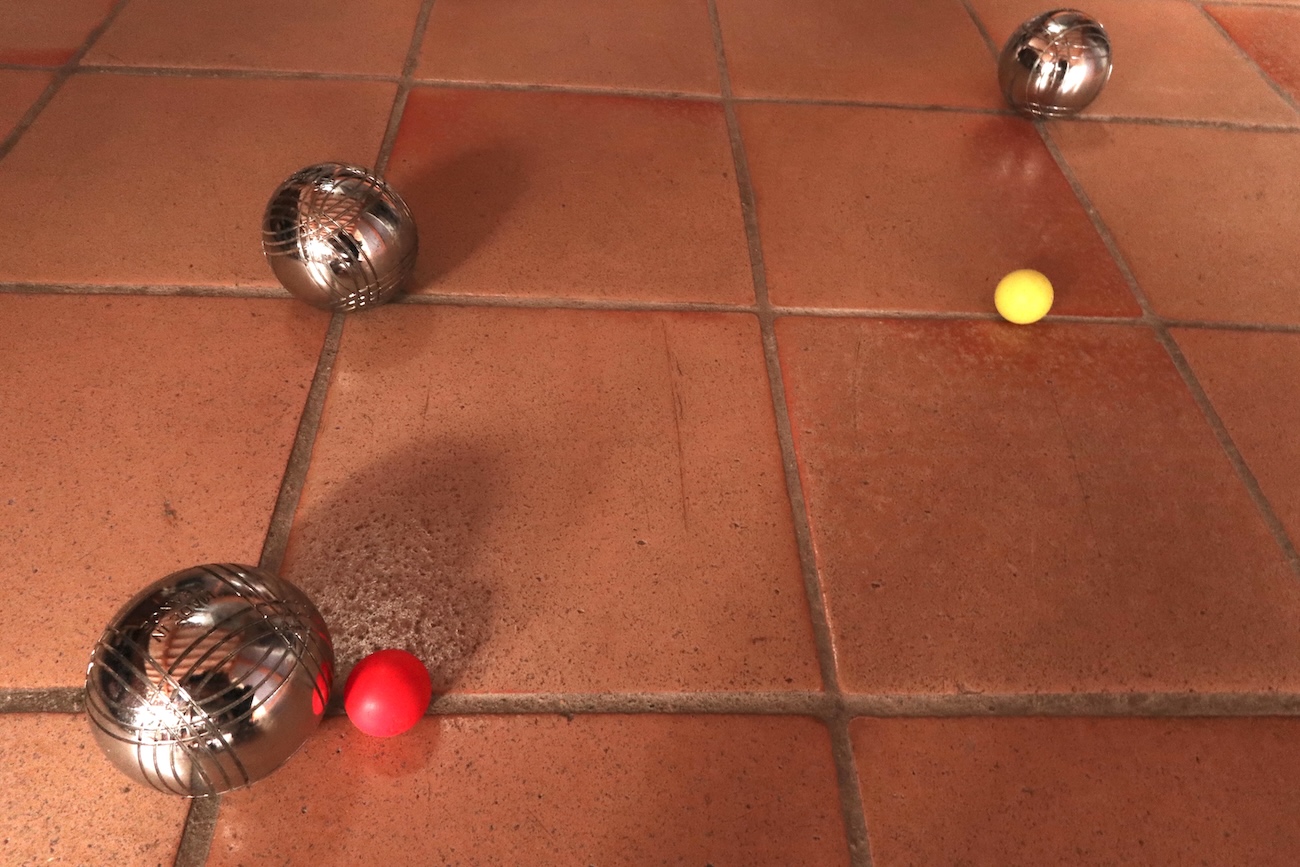 Original photo
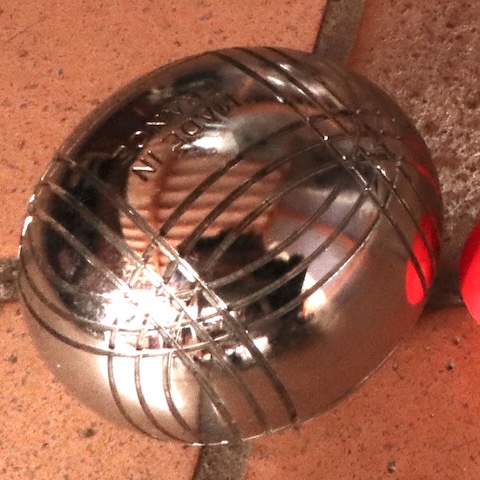
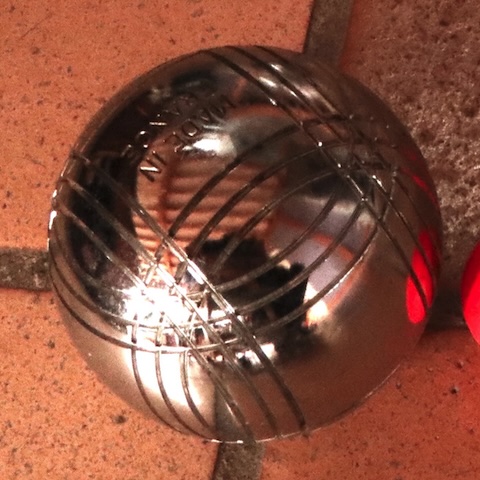
Aim and Zoom does not propose to arbitrarily manipulate the image or to create impossible perspectives.
Taking into account the focal length used, it simply generates the image that would have been obtained, for example with a telephoto lens, from the same location, but aiming at a point other than the center of the original photo.
After opening a photo (drag and drop, browse files, right-click+Open With, etc...), all you have to do is, in the main application window, to "aim" and to "zoom".
Frame tilt
The correct tilt angle of the frame depends on the position of the horizon line in the original photo. This position cannot be deduced from the metadata. Therefore, the tilt angle of the frame cannot be adjusted automatically.
Click on the button below to get Aim and Zoom for less than one dollar.

System requirements
macOS 10.15 or later.
Help
Versions history
Have a look at
 VoicePicker
VoicePicker simplifies the use of the speech synthesizer included in macOS .
 TextFridge
"A cool place to store the texts you often use."
Contact
For any questions, comments or suggestions, write to aimandzoom@traintrain-software.com

